Anti-cheat and player review
Anti-cheat tools and player review for server admins
WarGuardian works on the server side. It shows your staff what BattlEye, Steam and the game report about a player, and your staff decide.
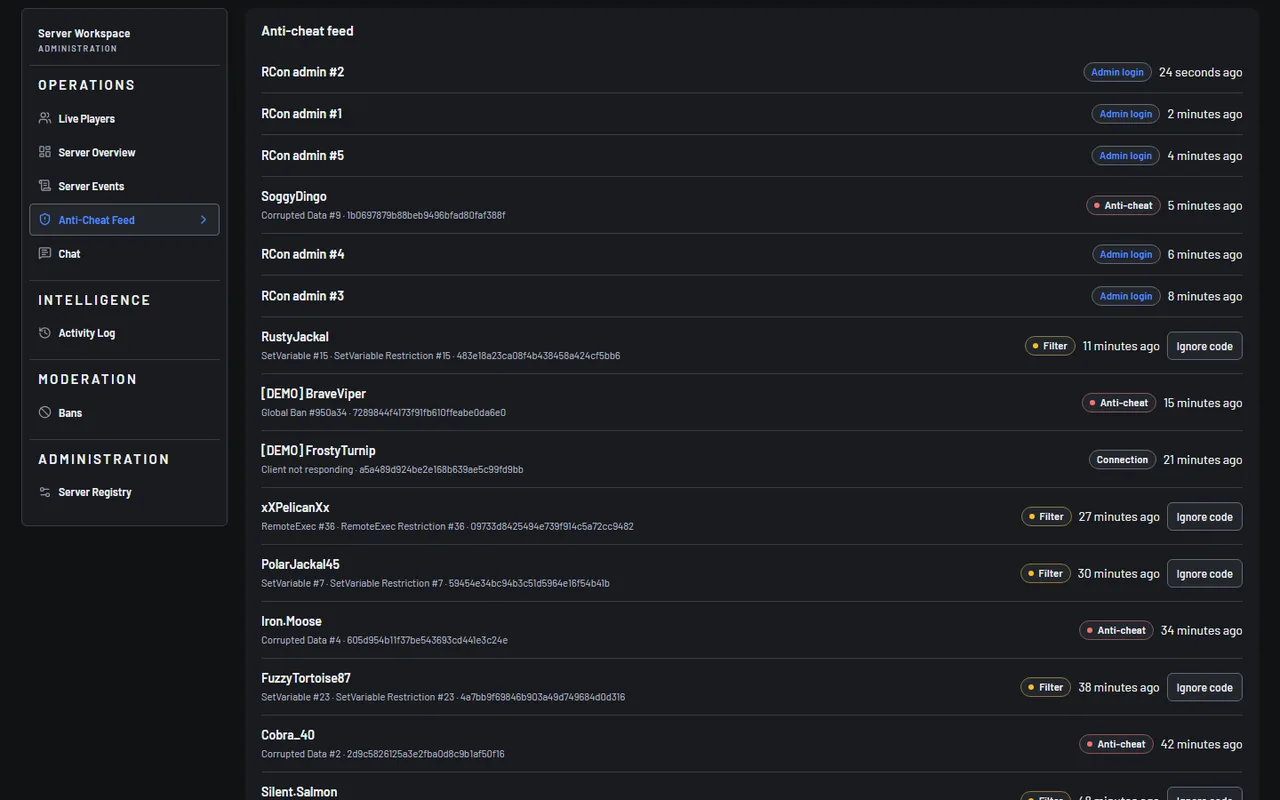
What WarGuardian does, and what it does not
- It reads the server: the player list, BattlEye kicks, chat and, for WARDOGS, the kill feed.
- It can check each joining player against your bans, the ban lists you follow and Steam bans.
- It installs nothing on a player’s computer. It does not replace BattlEye.
A statistical flag identifies an unusual result. It does not prove cheating.
What each game supports
| Game | WarGuardian capabilities | Requires |
|---|---|---|
| Arma 3 | Anti-cheat feed of BattlEye kicks, join screening for ban history and copied names, and Steam ban rules. | BattlEye RCON. Steam ban rules need the WarGuardian Agent. |
| DayZ | Anti-cheat feed of BattlEye kicks, join screening for ban history and copied names, and Steam ban rules. | BattlEye RCON. Steam ban rules need the WarGuardian Agent. |
| WARDOGS | Kill feed, statistical player review, suspicious play alerts, the player network and Steam ban rules. | RCON and the kill feed. |
| Arma Reforger | Ban history alerts when a player joins. Kills and deaths come from a stats mod. | RCON. Combat statistics need a stats mod on the server. |
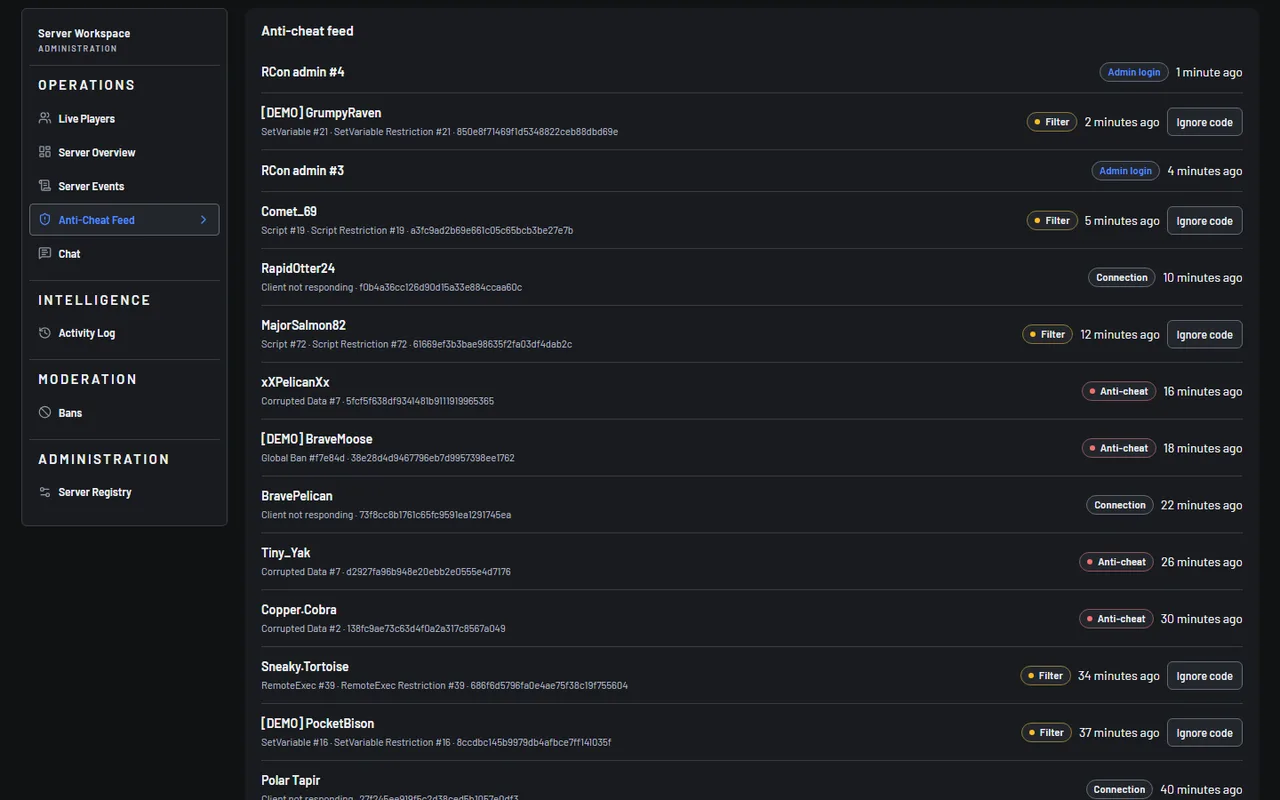
BattlEye kicks in one feed for Arma 3 and DayZ
Every BattlEye kick shows in one feed with the player and the filter code. Staff get an alert in the panel and in Discord.
- The feed keeps 30 days of events.
- Each alert offers Kick, Ban and Ignore.
- Each joining player is checked against your community bans, the ban lists you follow and copied names. Alerts offer Kick and Ban.
Player review for WARDOGS
Player review compares the recorded statistics of each player with other players on your servers. It orders the players that staff should look at first.
- A review score puts each player in a level: Routine, Watch or Priority.
- Evidence shows the samples, the thresholds and the review points behind each flag.
- Suspicious play alerts report many kills in a few seconds. Each alert offers Kick, Ban all servers and Ignore.
- The player network shows Steam friends and players who often join together.
Review points do not estimate cheating probability. Statistical flags do not apply bans.
Steam ban rules
A Steam ban rule can kick or ban a joining player whose Steam account has a recent ban. You set how recent.
- The rules are off until you turn them on.
- Other rules cover new Steam accounts and profiles that were never set up.
- A staff unban always wins over an automatic rule.
Common questions
Does WarGuardian ban players automatically?
Only through rules that you turn on, such as Steam ban rules. Statistical flags and alerts never ban a player.
Is WarGuardian a client anti-cheat?
No, it runs on the server side and installs nothing on a player’s computer. It works next to BattlEye.
Can WarGuardian show kills for Arma 3 or DayZ?
No, BattlEye RCON does not report combat. Arma 3 and DayZ servers have no kill feed in WarGuardian.
How much does it cost?
Your first server is free. See WarGuardian pricing for the current community plans.
Run your community with WarGuardian
Connect one server free. Then invite your staff.